The best desk fans balance desk space, airflow direction, power options, and the noise you can tolerate while working. These picks range from compact USB models for personal cooling to larger rechargeable fans for broader coverage or use away from an outlet.
Quick Top Products
Gaiatop 5-Inch Desk Fan
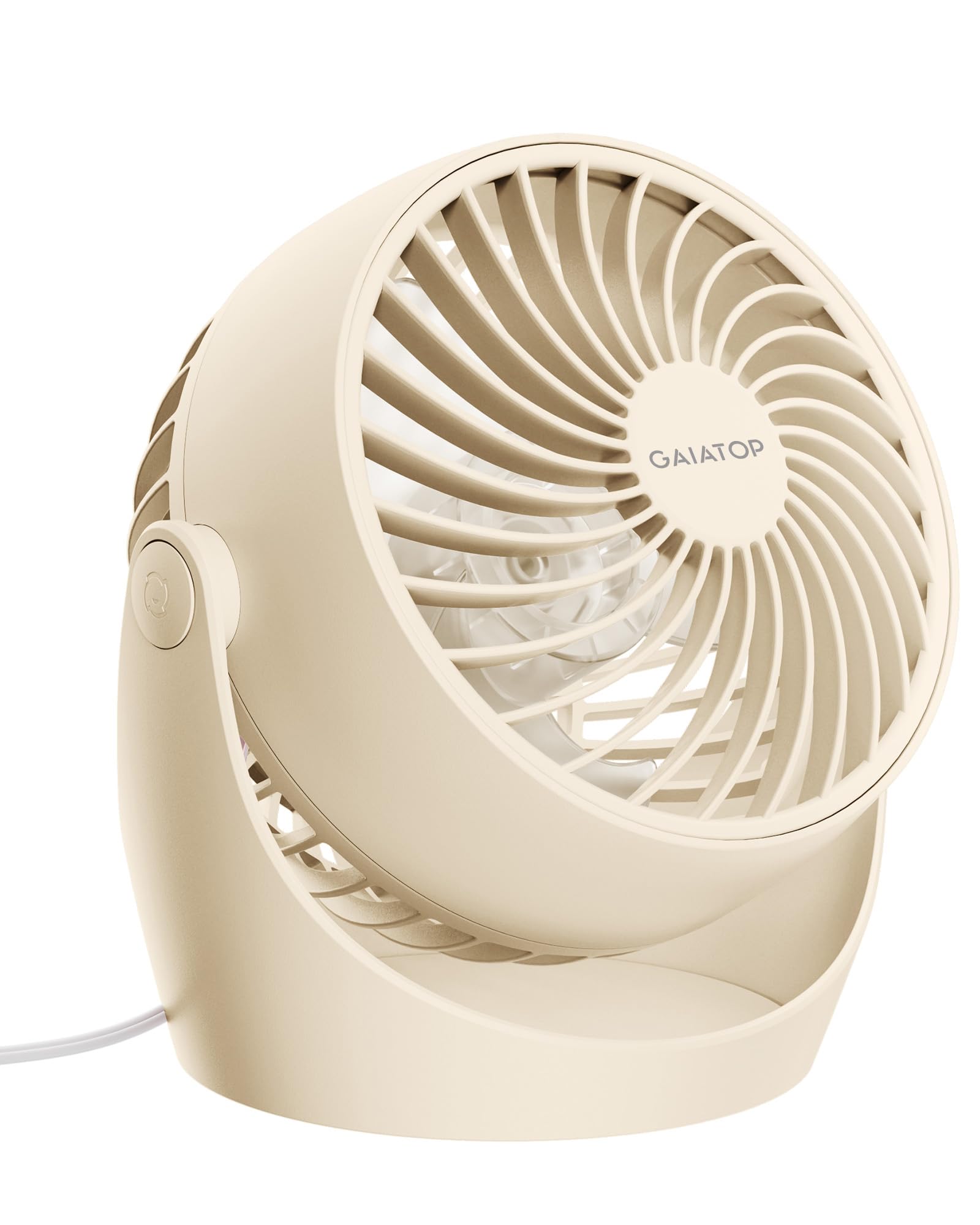
- Three manual speeds let you adjust airflow for different tasks.
- The fan head tilts through 360 degrees for flexible direction.
- Its front cover detaches for cleaning the blades and grille.
Best For: A small home office or bedroom where adjustable direction and quiet operation matter.

Gaiatop 5.5-Inch USB Desk Fan
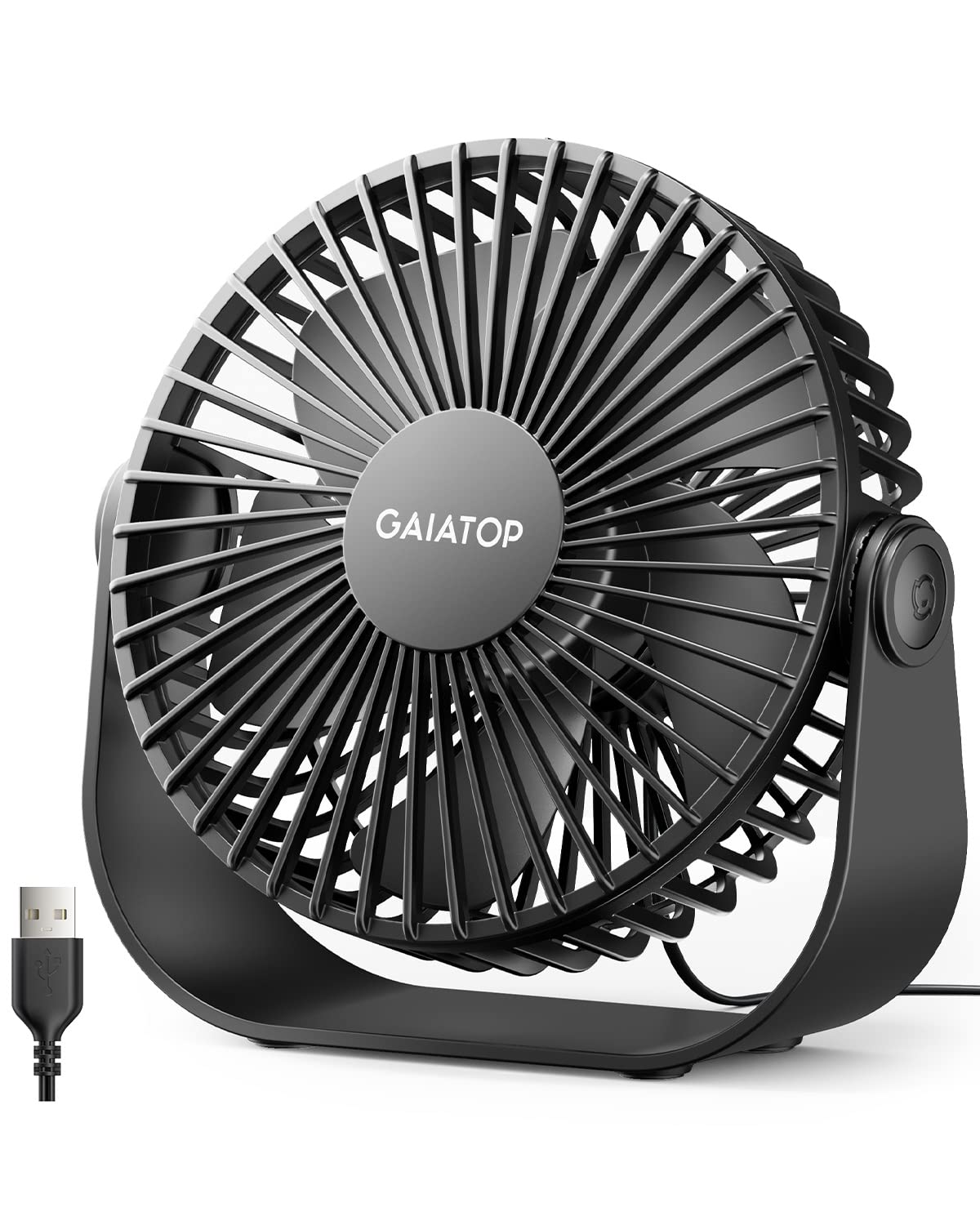
- Three speeds cover soft through strong airflow settings.
- The head tilts 90 degrees to redirect air.
- It draws power from USB devices and adapters.
Best For: A desk or dorm setup with a laptop, power bank, or other USB power source nearby.
Gaiatop USB Desk Fan
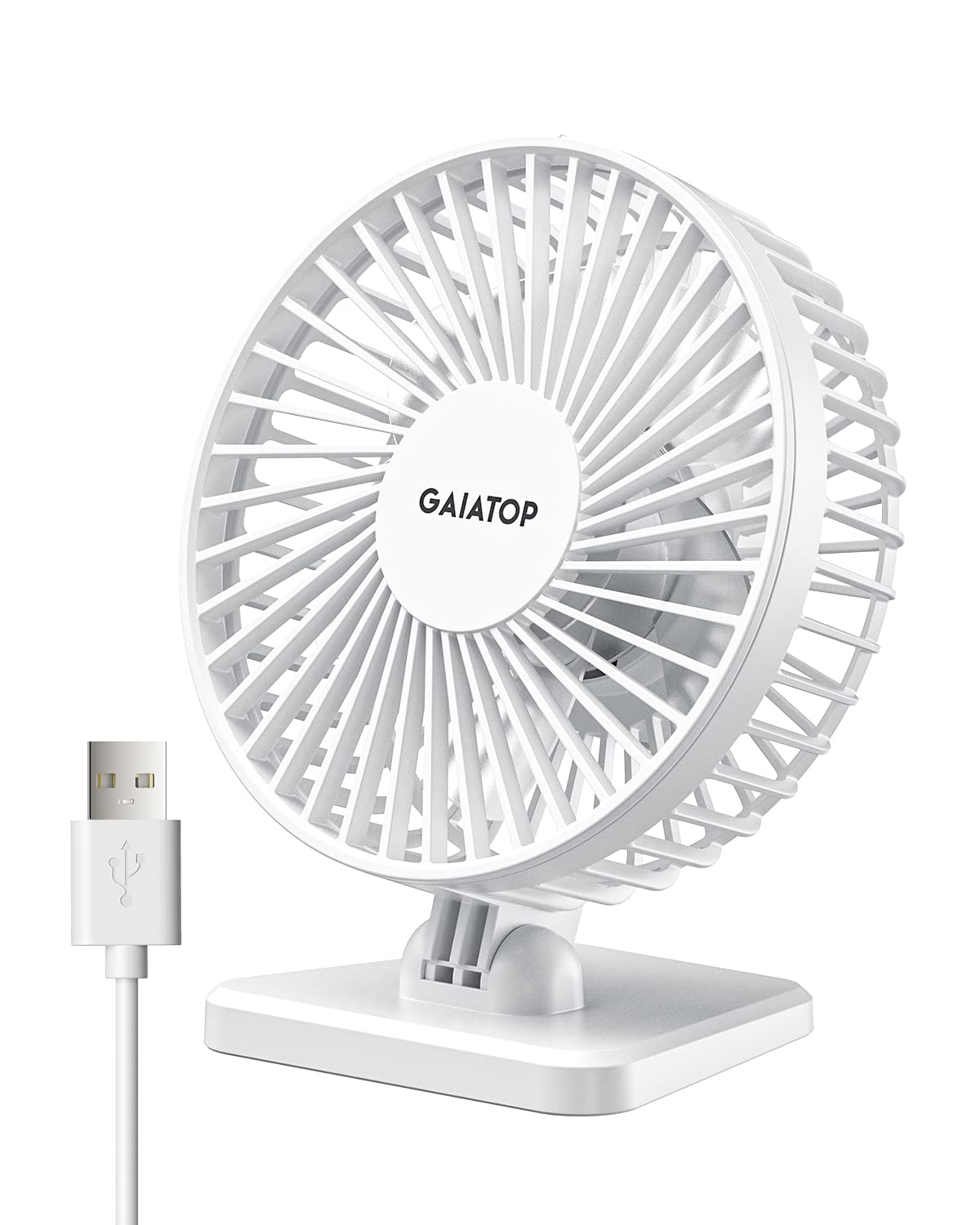
- Its compact build weighs less than 8 ounces.
- Three speed settings offer low, medium, and high airflow.
- The fan head adjusts vertically from 0 to 30 degrees.
Best For: A small desk, car, or travel setup where a light USB-powered fan is convenient.
Ausic 30000mAh Oscillating Fan
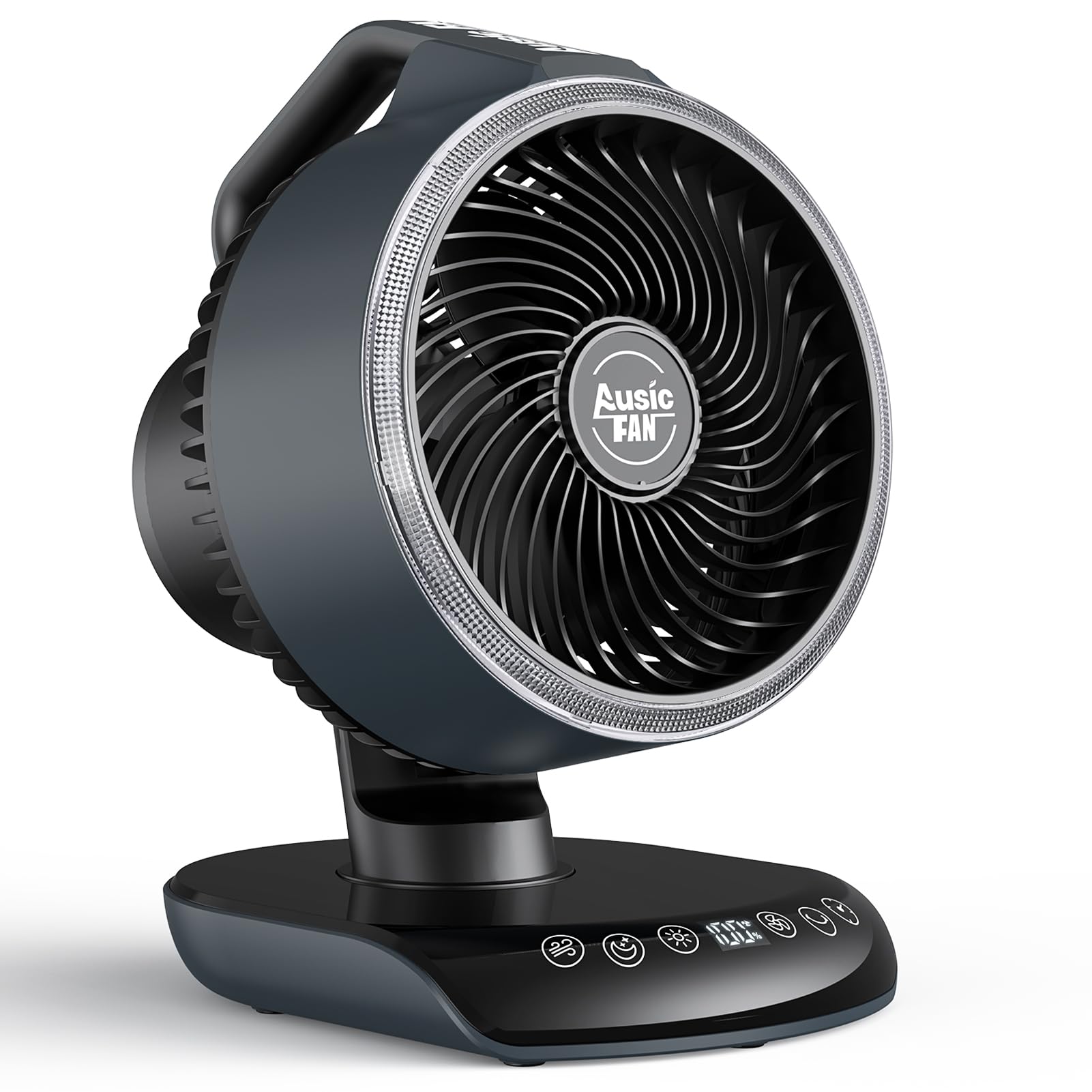
- The 30,000mAh battery delivers 17–80 hours of runtime depending on speed.
- Horizontal oscillation offers 60- or 120-degree coverage.
- The remote adjusts speed, oscillation, timer, and modes.
Best For: A workspace that needs wider airflow coverage or cooling during power-free outdoor use.
Gaiatop Rechargeable Clip-On Fan
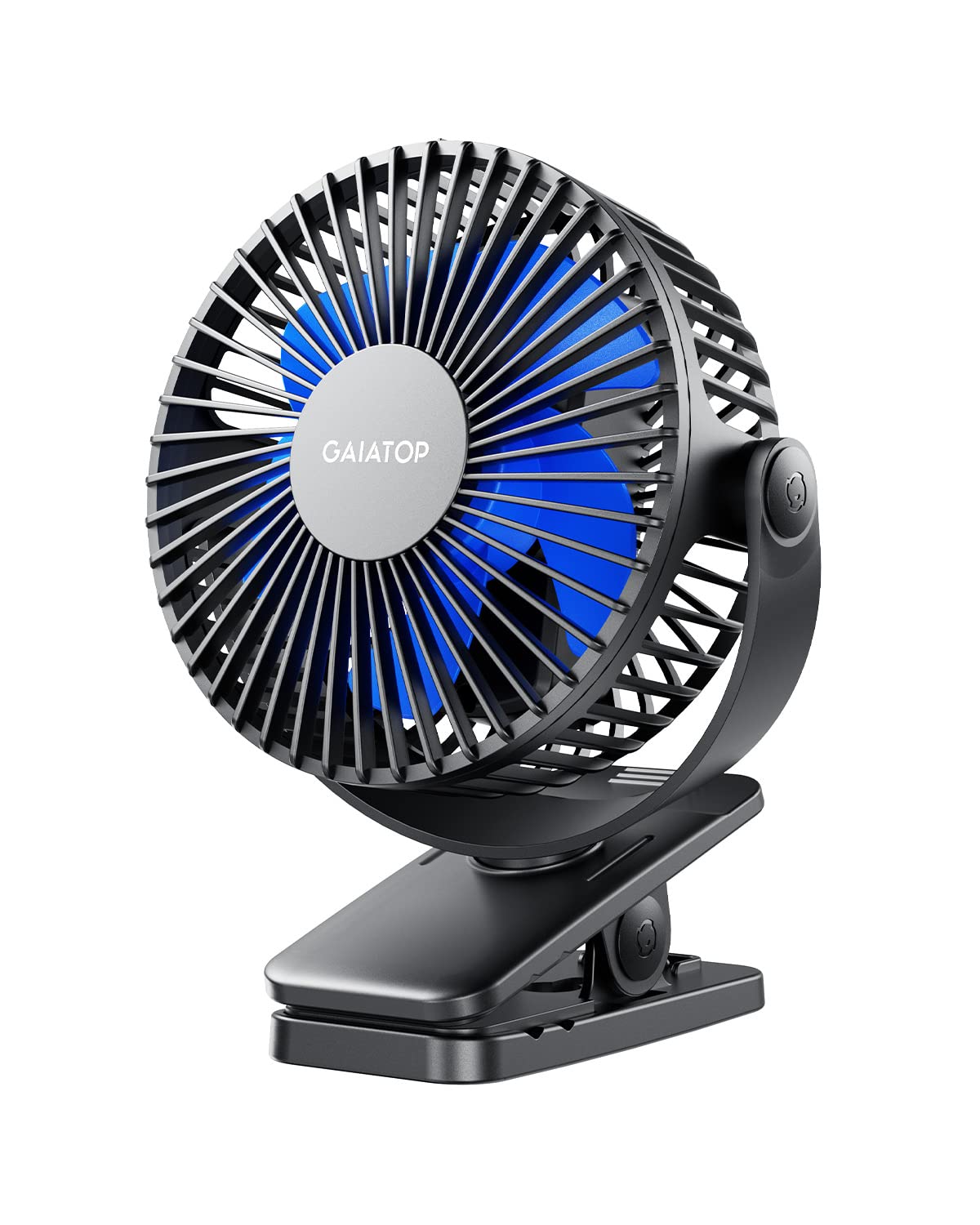
- The clip fits an edge up to 1 inch thick.
- Horizontal and vertical rotation each reach 360 degrees.
- The 2,000mAh battery provides 3.5–10 hours depending on speed.
Best For: A desk, stroller, or camping setup with a suitable edge for its clamp.
InoKraft Waist Fan
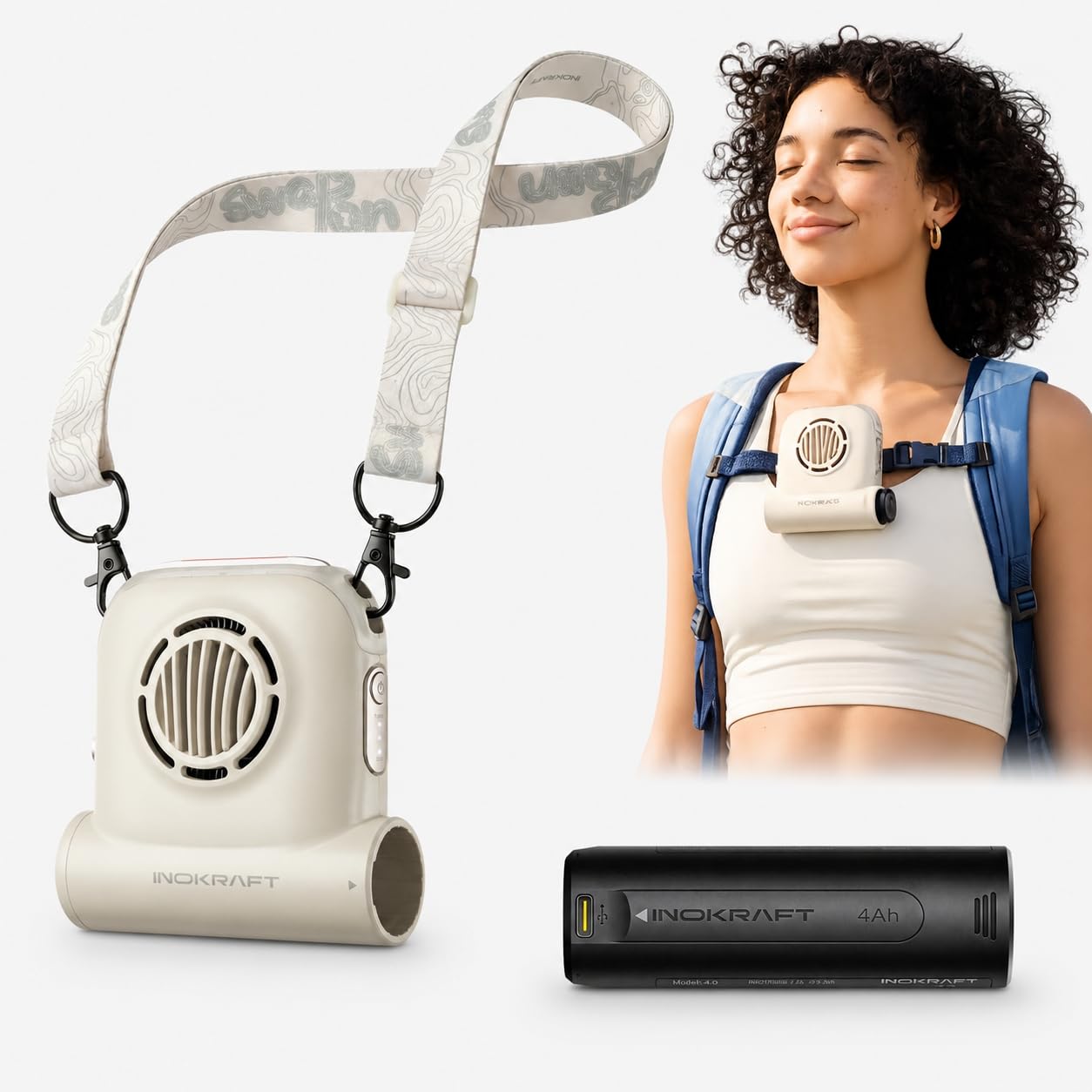
- It can be worn at the waist, clipped to a backpack, or used as a neck fan.
- The 4Ah battery is swappable and rated for 13+ hours.
- The tilt and clip rotate to help direct airflow.
Best For: Outdoor work or hiking when you want hands-free airflow and a swappable battery.
Quiet Air Circulation
Gaiatop Desk Fan, 5-Inch Portable Electric Table Desktop Air Circulator Fans, Small but Powerful with 3 Speed 360° Adjustable Tilt for Cooling Home Dorm Office Bedroom Bathroom Kitchen, Beige
This compact AC-powered fan is built for steady desk or bedside use, with a 360-degree adjustable tilt and three manual speeds. Its 4.33-by-5.59-by-5.65-inch body has a 4.92-foot attached cord, so it needs a nearby outlet but avoids reliance on a separate battery.
The front cover detaches for cleaning the blades and grille, and rubber pads help keep the base in place. It suits someone who wants a small fan for personal airflow and room circulation.
Check that the cord can reach your chosen spot before buying.
Best For: A small home office or bedroom where adjustable direction and quiet operation matter.
| Pros | Cons |
|---|---|
|
|
Choose this Gaiatop when you want a small plug-in fan with broad head adjustment and a cleanable grille. Its AC cord and compact footprint make it a straightforward fit for a fixed desk, but less suitable when you need to move between rooms without finding an outlet.
Compare the attached cord length with your workspace layout, and consider whether you want airflow directed at one seat or a rechargeable fan for more flexible placement.
USB-Powered Workstation Fan
Gaiatop USB Desk Fan, 3 Speeds Strong Airflow, 5.5 Inch Portable 90° Rotate Quiet Cooling, Small Personal Table Fans for Bedroom Home Office Travel Black
This small desk fan is designed for work surfaces where a USB power source is convenient. It offers three speed settings and a 90-degree tilt, while its wide base has rubber pads to limit vibration and slipping.
At about 6.5 ounces, it can also travel in a bag, and the 4.9-foot cord gives some flexibility when the USB source is not right beside the fan. It does not have a built-in battery, so plan to connect it to a computer, power bank, adapter, or compatible USB charger during use.
Best For: A desk or dorm setup with a laptop, power bank, or other USB power source nearby.
| Pros | Cons |
|---|---|
|
|
This is a practical choice for a laptop desk or dorm where USB power is already available. Its 90-degree tilt and stable base make it easier to aim than a fixed handheld fan, while the cord keeps it tethered to a power source.
Check whether your computer or adapter has a free USB port and whether the 4.9-foot cable reaches the position you want. Choose a battery-powered option if you need cooling away from a desk.
Compact USB Personal Fan
Gaiatop USB Desk Fan, Small But Powerful, Personal Portable Quiet 3 Speeds, Adjustable Mini Table Desktop fan for Cooling Home Office Car Summer Travel Gifts White
Gaiatop’s compact tabletop fan keeps the setup simple: it weighs less than 8 ounces, runs from USB power, and offers three speeds. The head adjusts vertically from 0 to 30 degrees, so you can angle the breeze without taking much desk space.
Its power compatibility includes computers, laptops, power banks, adapters, and car chargers that support USB. The fan is described as quiet with noise under 50 dB, though that figure is not given for each speed.
Choose it for close-range personal cooling and check that you have a USB source nearby.
Best For: A small desk, car, or travel setup where a light USB-powered fan is convenient.
| Pros | Cons |
|---|---|
|
|
Pick this model when light weight and USB compatibility matter more than wide aiming range. The less-than-8-ounce design and three settings suit a compact desk, car, or travel arrangement, but its 0-to-30-degree vertical adjustment offers less repositioning than fans with broader tilt.
Check whether your setup has a suitable USB power source and whether the modest angle range points air where you sit.
Rechargeable Coverage and Remote
Ausic 30000mAh Portable Fan Rechargeable, Powerful Indoor & Outdoor Battery Powered Fan, Oscillating Fan with Remote & Turbo Blade, Quiet Desk Fan for Home, Patio, Sports, Camping, Beach
The Ausic is a larger, rechargeable option for people who want airflow to cover more than one fixed point. Its horizontal oscillation can be set to 60 or 120 degrees, with a 90-degree manual vertical tilt, and the five speed settings include two wind modes.
The remote controls speed, oscillation, timer, and modes, while an adjustable warm light adds a bedside or camping function. Its 30,000mAh battery is rated for 17 to 80 hours depending on speed.
The handle aids moving it between rooms, patios, or a tent, though its size may take more desk space than a personal fan.
Best For: A workspace that needs wider airflow coverage or cooling during power-free outdoor use.
| Pros | Cons |
|---|---|
|
|
Choose the Ausic when you need broader coverage, remote control, or battery operation away from a wall outlet. Its oscillation and adjustable tilt offer more room-level direction than compact USB fans, while the large battery brings a runtime range that depends on speed.
Check its footprint against your desk and decide whether you will use the remote, timer, and light features. For close personal airflow at a crowded workspace, a smaller fan may fit better.
Clip-On Desk or Stroller Cooling
Gaiatop Portable Clip on Fan Battery Operated, Small Powerful 3 Speed Quiet 360° Rotate, USB Rechargeable Mini Personal Cooling Fan for Desk Table Home Office Stroller Camping Women Gifts Black Blue
This Gaiatop fan attaches to an edge instead of taking up the middle of a desk. Its clamp fits surfaces up to 1 inch thick, and the fan can rotate horizontally and vertically through 360 degrees.
A 2,000mAh rechargeable battery is rated for 3.5 to 10 hours depending on speed, and the fan can operate while charging. Three speeds and a brushless motor round out the setup.
It may work well where a clip mount is useful, but check the thickness and shape of the mounting surface before relying on the clamp.
Best For: A desk, stroller, or camping setup with a suitable edge for its clamp.
| Pros | Cons |
|---|---|
|
|
This model makes sense when the desk edge, stroller, or another compatible surface is a better mounting point than a flat tabletop. Its adjustable orientation can aim airflow in several directions, and the rechargeable battery permits use away from a cable for a time.
Check the clamp fit before buying, then consider whether its speed-dependent runtime covers your typical session. A conventional base fan is simpler if you have open desk space and no reliable clamp point.
Wearable Cooling for Active Work
InoKraft Waist Fan with Swappable 4Ah Rechargeable Battery
The InoKraft is a wearable fan intended for outdoor activity and work, with clip-on use at the waist or backpack and an option to wear it as a neck fan. Its 15-degree tilt and 10-degree clip rotation let you direct airflow toward the body.
The included 4Ah Swap-On battery is rated for 13 or more hours, and the battery can also power other Swap-On devices. The product dimensions are 4.53 by 6.93 by 2.09 inches.
It is less like a conventional desk fan, but its hands-free format can suit a standing workstation or outdoor task.
Best For: Outdoor work or hiking when you want hands-free airflow and a swappable battery.
| Pros | Cons |
|---|---|
|
|
Choose the InoKraft for hands-free cooling while standing, walking, or working outdoors, especially if the Swap-On battery system is useful to you. It clips or wears differently from a standard desk fan, and its angle adjustments are relatively specific, so consider whether airflow will reach your intended position.
Check the mounting method and whether the included battery configuration meets your needs. For a seated desk, a fan with a base and wider tilt may be easier to direct.
How to Choose Desk Fans
How We Picked Desk Fans
This roundup prioritizes products with a clear desk, table, or clip-on use, then considers how they can be aimed, powered, and positioned. Compact AC and USB fans suit fixed workstations, while the rechargeable Ausic and clip-on Gaiatop serve people who need to move the fan or preserve desk space.
The InoKraft wearable fan is included for hands-free work use, though it is less suited to a conventional seated setup.
Candidates focused on neck-worn, handheld, or travel cooling were left out when they lacked a clear desk placement feature. Duplicate D6036 color offers and the duplicate Gaiatop handheld model were also omitted so the choices represent different setups rather than repeated versions.
Comparing Desk Fans
Start by deciding whether the fan will stay in one place. The Gaiatop AC fan needs an outlet, while the USB model can draw power from a laptop, adapter, or power bank.
Both are compact, but their tilt ranges differ. The rechargeable Ausic is larger and offers oscillation, a remote, and a broad runtime range that varies with speed.
A clamp can keep a crowded work surface clear: the Gaiatop clip-on model fits edges up to 1 inch thick and rotates in two directions. The InoKraft is also wearable or clip-mounted, but its use case is hands-free outdoor work rather than ordinary tabletop cooling.
Match the mount to the actual surface before buying.
| Product | Standout features | Best for |
|---|---|---|
| Gaiatop 5-Inch Desk FanCheck Price |
| A small home office or bedroom where adjustable direction and quiet operation matter. |
| Gaiatop 5.5-Inch USB Desk FanCheck Price |
| A desk or dorm setup with a laptop, power bank, or other USB power source nearby. |
| Gaiatop USB Desk FanCheck Price |
| A small desk, car, or travel setup where a light USB-powered fan is convenient. |
| Ausic 30000mAh Oscillating FanCheck Price |
| A workspace that needs wider airflow coverage or cooling during power-free outdoor use. |
| Gaiatop Rechargeable Clip-On FanCheck Price |
| A desk, stroller, or camping setup with a suitable edge for its clamp. |
| InoKraft Waist FanCheck Price |
| Outdoor work or hiking when you want hands-free airflow and a swappable battery. |
Choosing a Desk Fan for Your Workspace
For personal cooling at a computer, compare cord reach, power source, and the fan’s aiming range. USB power can be convenient beside a laptop, but the fan remains tethered unless connected to a portable power bank.
An AC model works well at a fixed desk when an outlet is close enough, and a longer cord can make placement easier.
Think about whether you want a steady breeze at one seat or airflow that moves around the room. A compact fan with manual tilt directs air to a narrower area, while oscillation sweeps across a wider section.
A remote is useful when the fan is across the room or beside a bed, but it adds little if the controls are already within easy reach.
Power, Noise, and Placement
Battery figures need context. The Ausic lists 17 to 80 hours depending on speed; the clip-on Gaiatop lists 3.5 to 10 hours depending on speed; and InoKraft gives 13+ hours for its included 4Ah battery.
These ranges are not directly comparable without matching settings and use. Consider how long you need airflow between charging opportunities.
Noise matters in a shared office, library, or bedroom. The compact Gaiatop tabletop fan describes operation below 50 dB, and the 5-inch Gaiatop gives a 30 dB figure, but the records do not establish measurements at matching speeds.
Use each stated figure as a reference, and check whether the fan offers a lower setting for quiet work.
Who Should Buy Which Desk Fan?
Choose the Gaiatop 5-inch AC fan for a fixed workspace where full tilt adjustment and a cleanable front cover are useful. Pick the USB Gaiatop when you can power the fan from a laptop or power bank and want a small, stable base.
The lighter Gaiatop USB model suits a tight surface when modest vertical aiming is enough.
Get the Ausic if you want a rechargeable fan with oscillation and remote control, or the clip-on Gaiatop if you need to keep the desk surface clear and have a compatible edge. Consider the InoKraft for hands-free airflow during outdoor or standing work.
Before ordering, check outlet or USB access, mounting fit, available space, and the airflow direction you need.